Seamless Localization
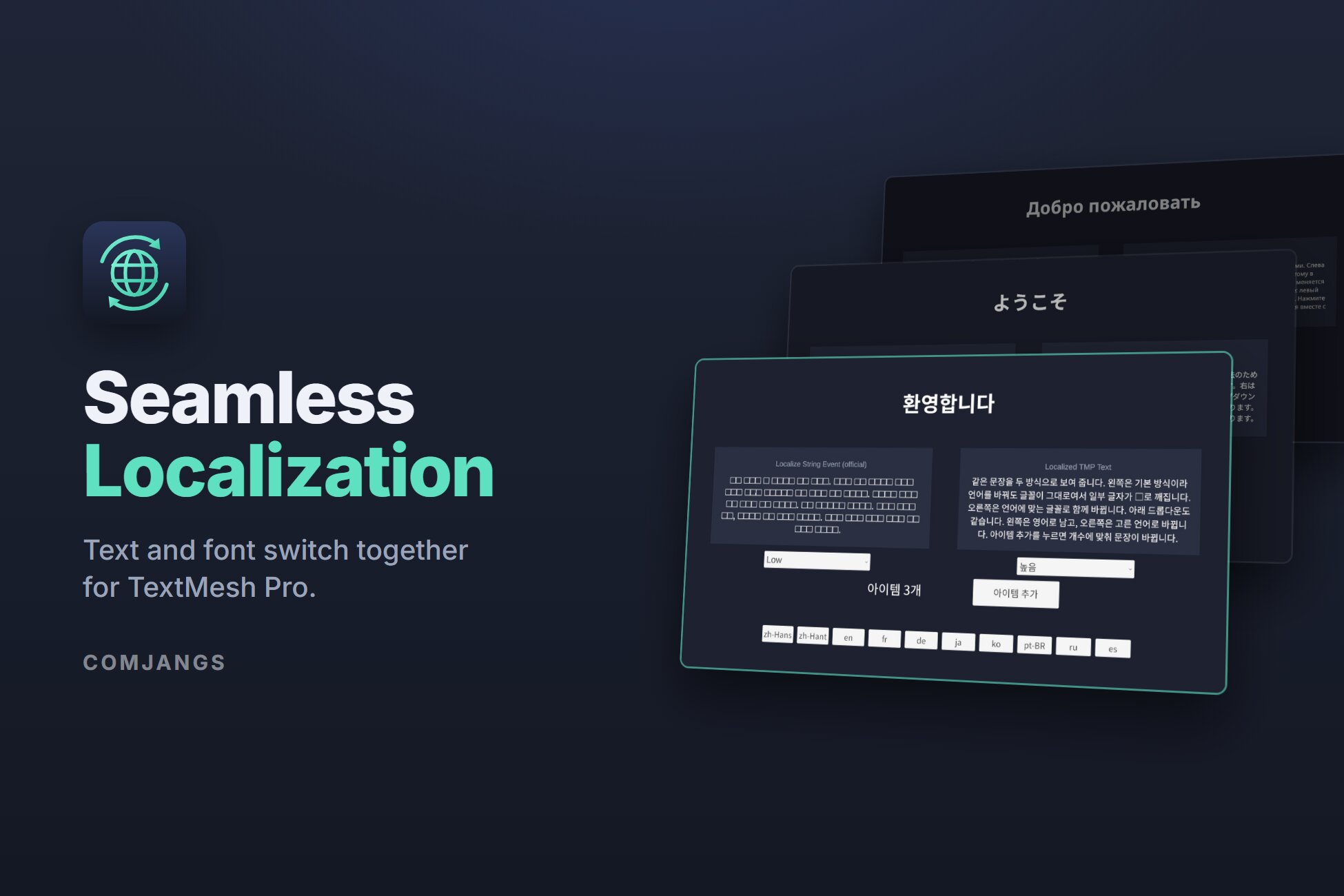
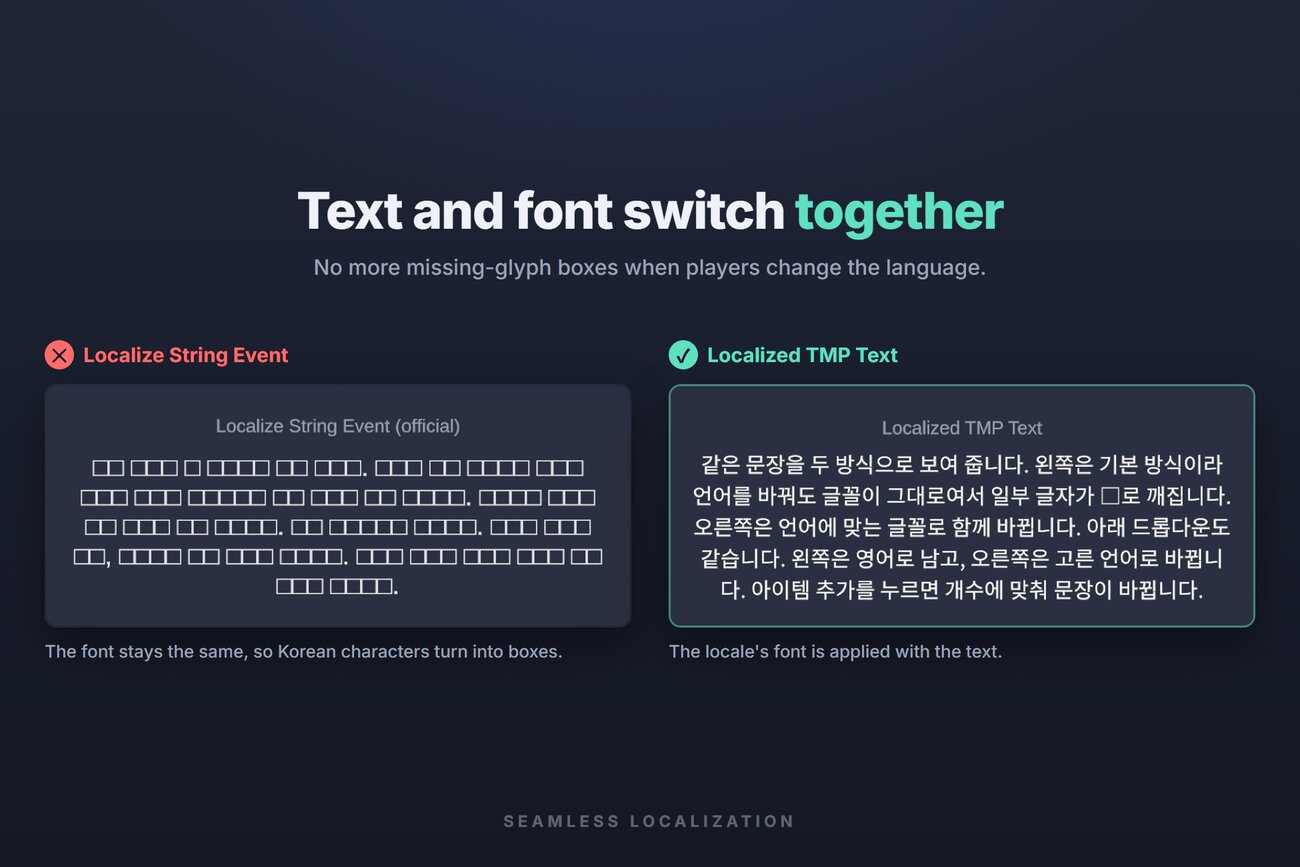
Your game is translated, but the moment players switch to Japanese, Korean, or Chinese, the text turns into □□□. Seamless Localization extends the official Unity Localization package so the text and the locale's font are applied together — no flicker, no missing glyphs.
What it does
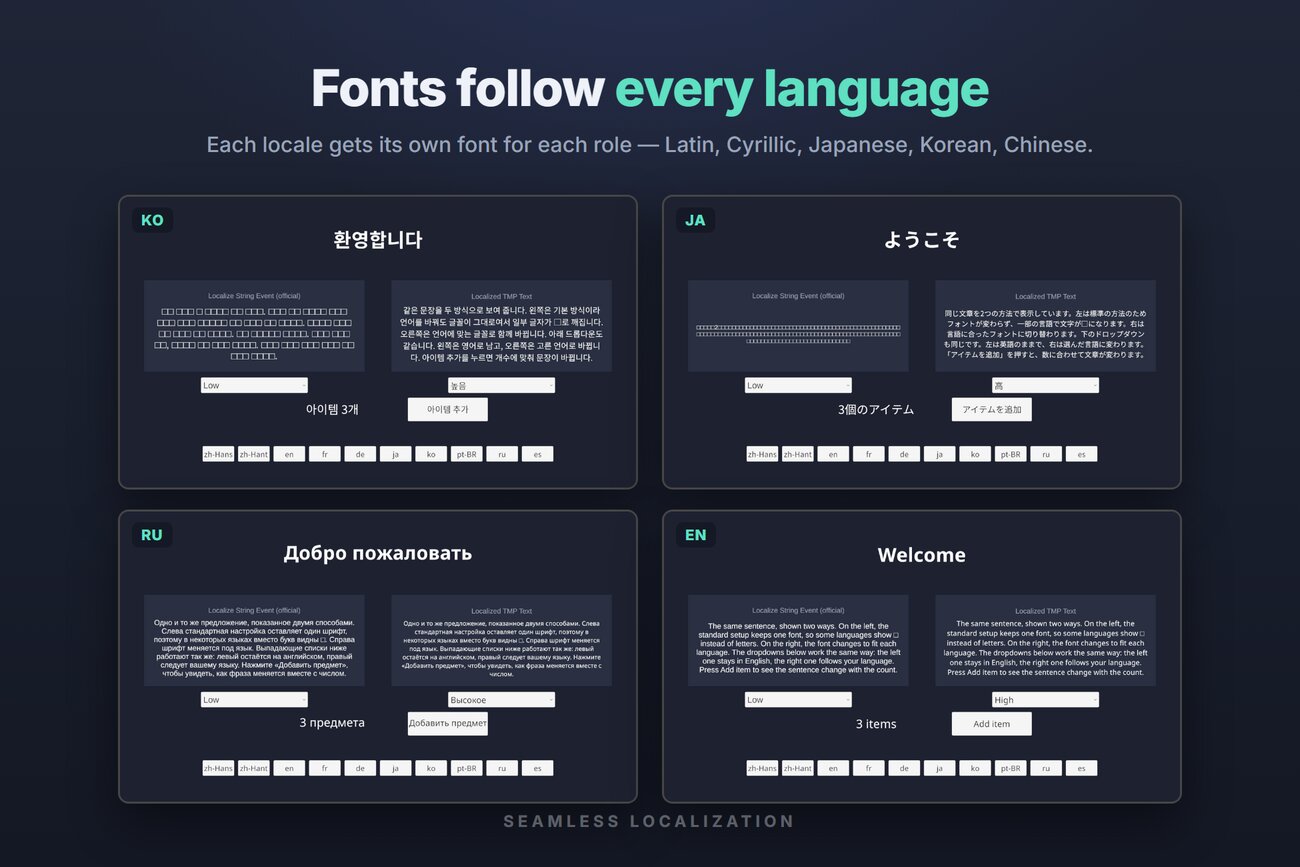
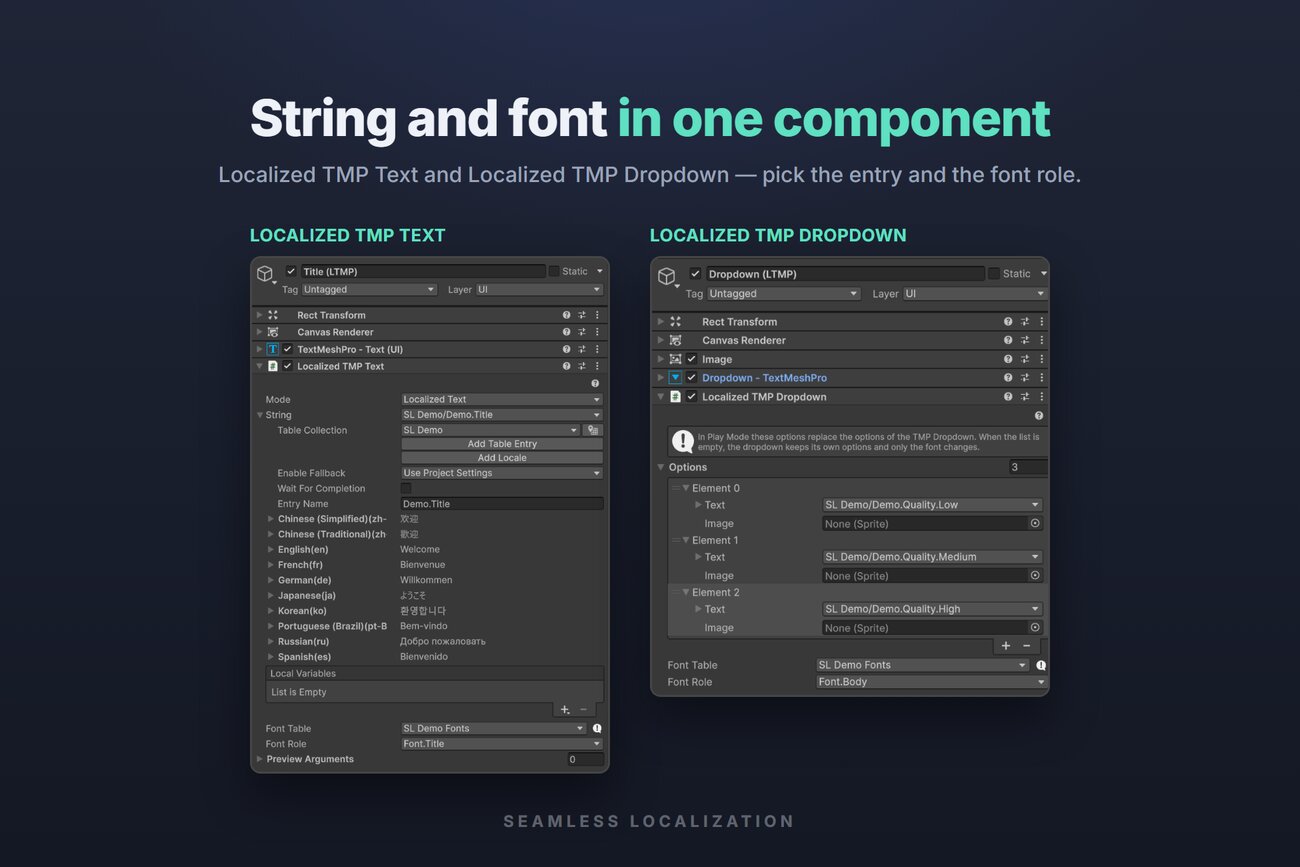
- Localized TMP Text & DropdownThe string and the locale's font in one component, applied together. Dropdown options switch with the language and keep the selection.
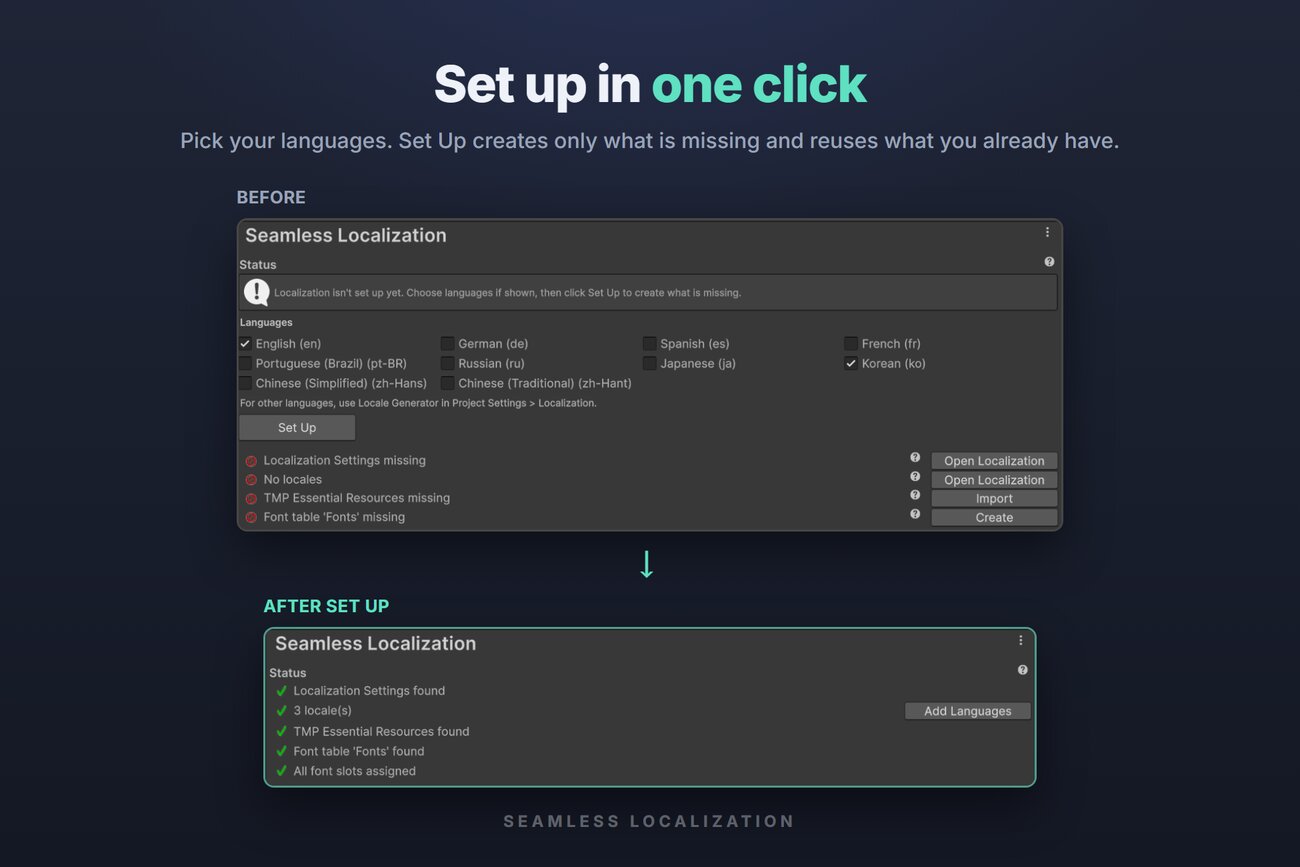
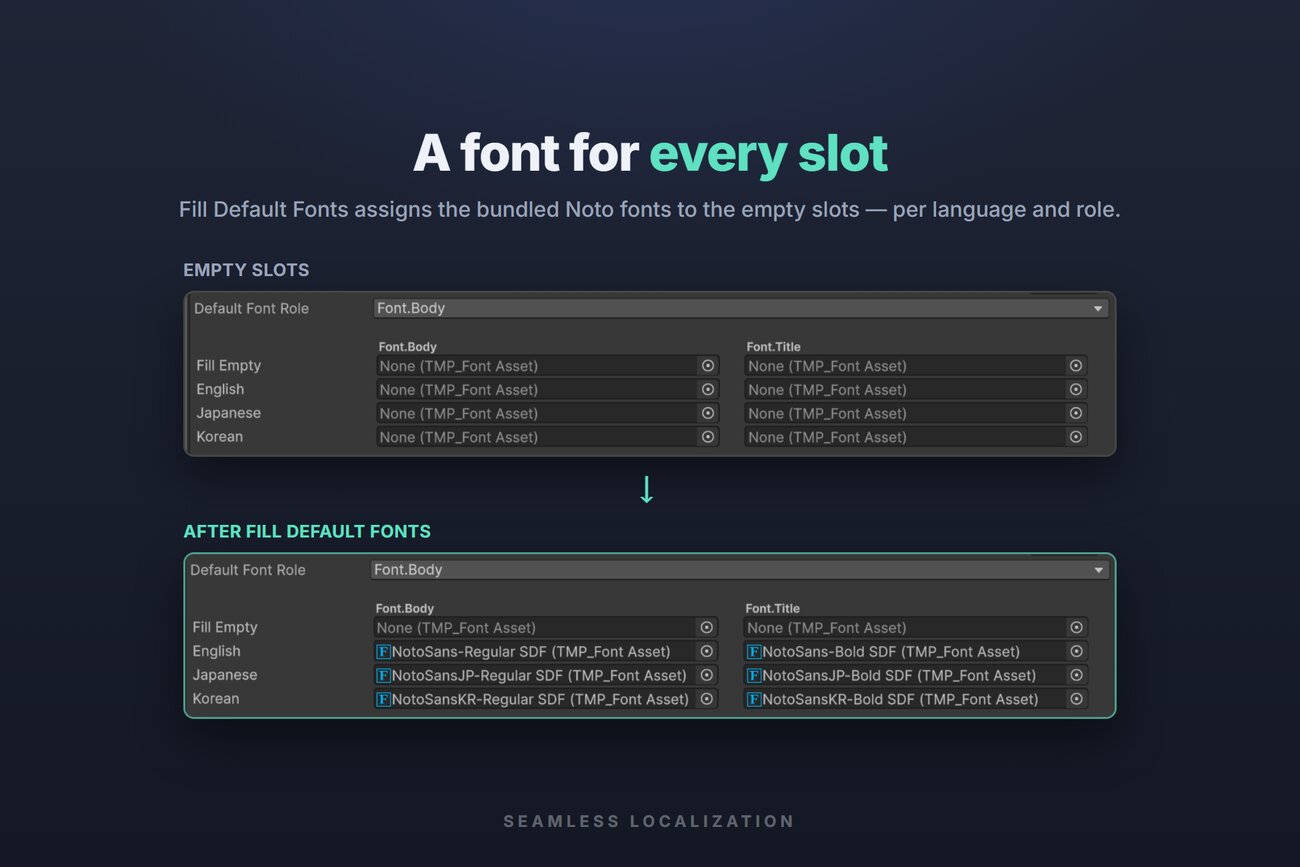
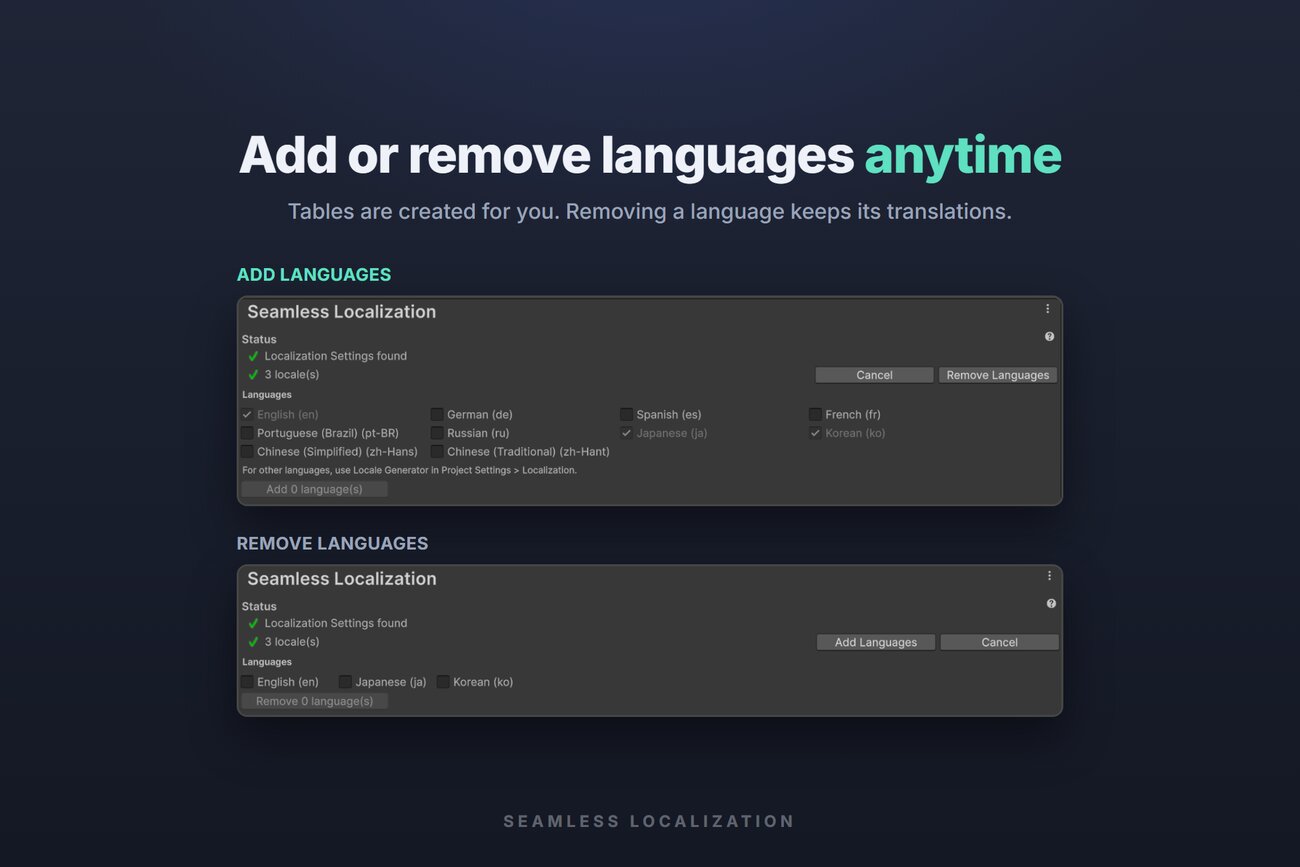
- One-click setupSet Up creates only what is missing. Fill Default Fonts assigns bundled Noto fonts for Latin, Cyrillic, Japanese, Korean, and Chinese.
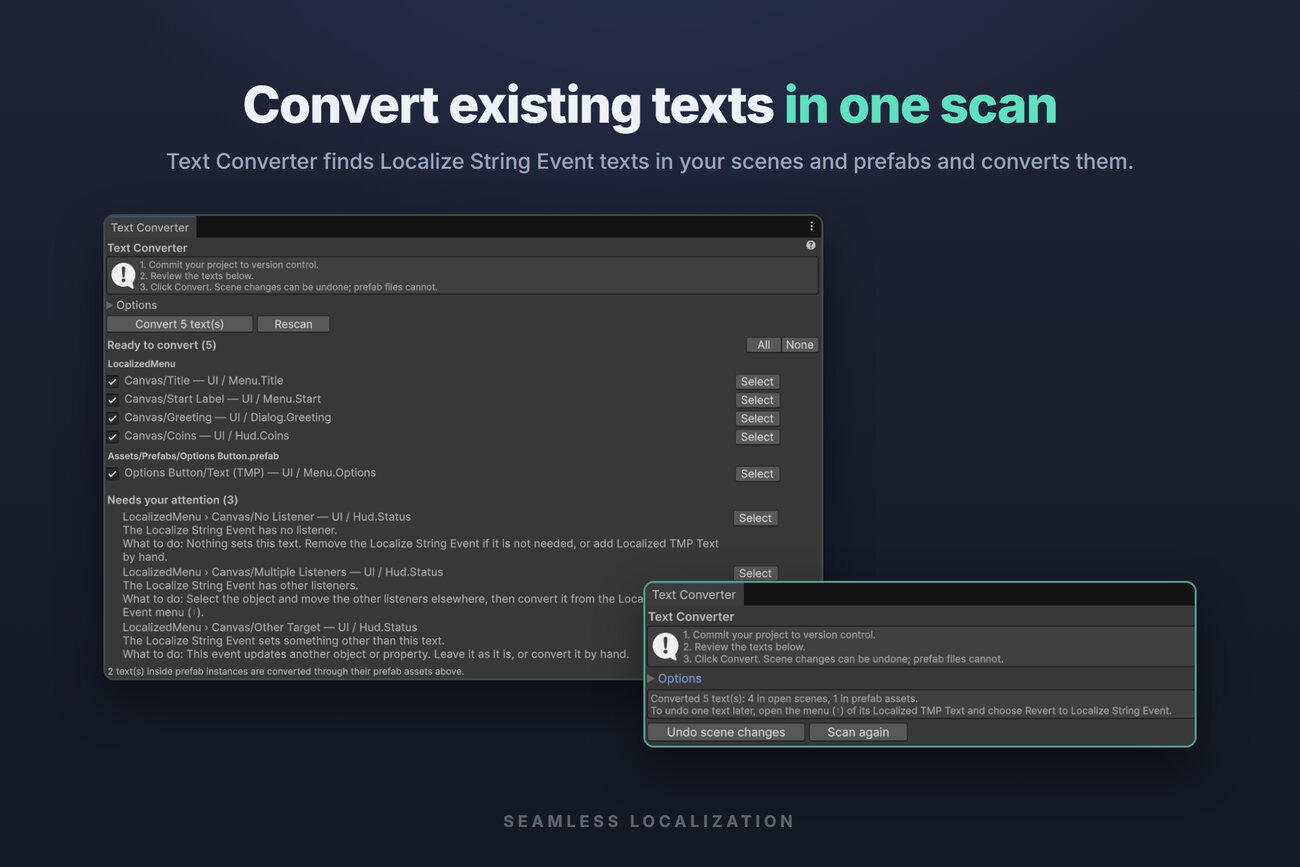
- Works with existing projectsText Converter finds Localize String Event texts in scenes and prefabs and converts them in one scan.
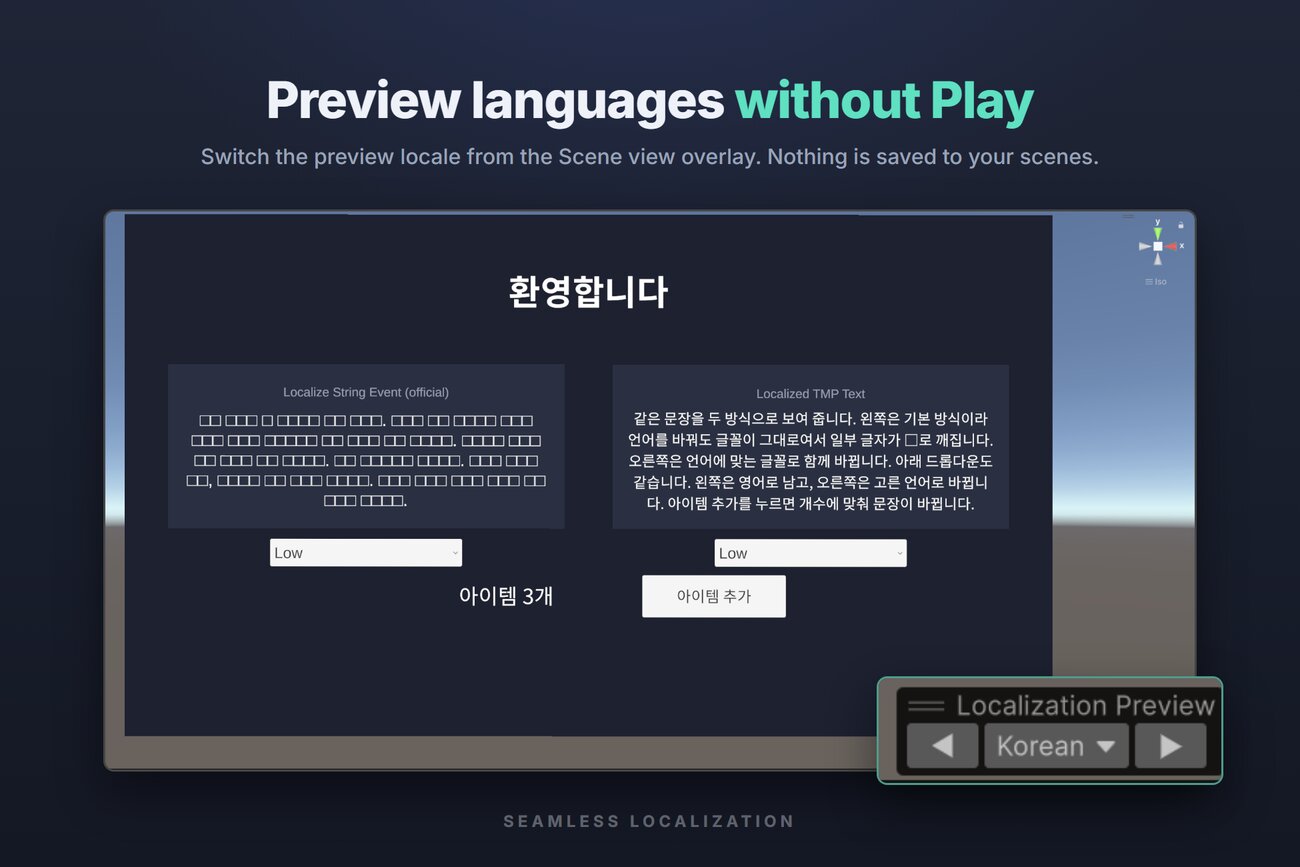
- Editor workflowPreview any language in the Scene view without Play. Dynamic font assets stay unchanged in version control.
Screenshots
Requirements
Unity 6000.0 or later · Localization 1.5.13 or later · Unity UI 2.0.0 or later (includes TextMesh Pro). Tested with URP.